The situation
Payments were spread across the bank app, card notifications and paper bills. Seeing where the money went meant adding it up by hand, and every bill had to be typed into the bank app.
What we built
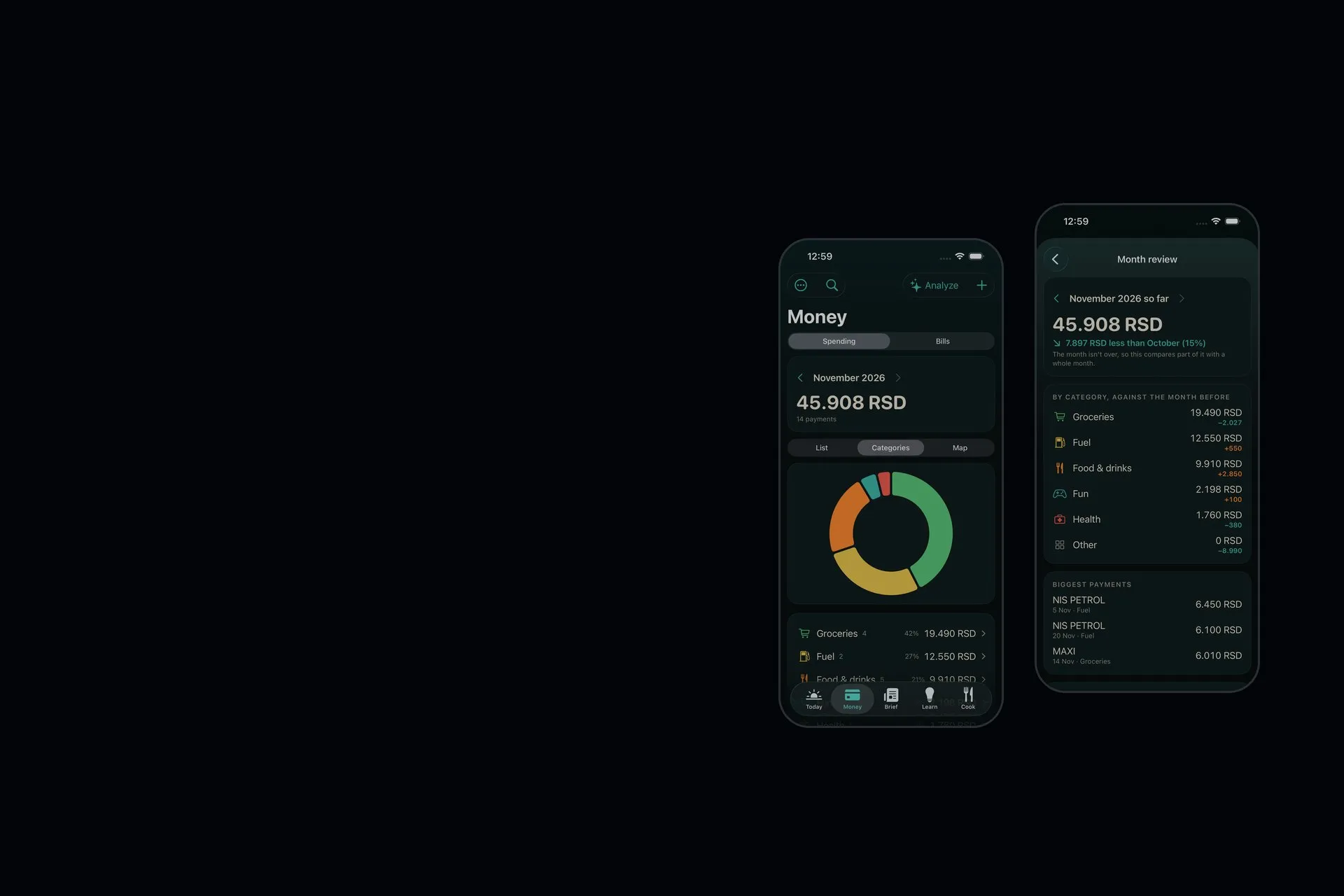
- Payments as they happenAn Apple Wallet automation logs each Apple Pay payment with the shop and the place, and a new payment can take its amount from a photo of the receipt.
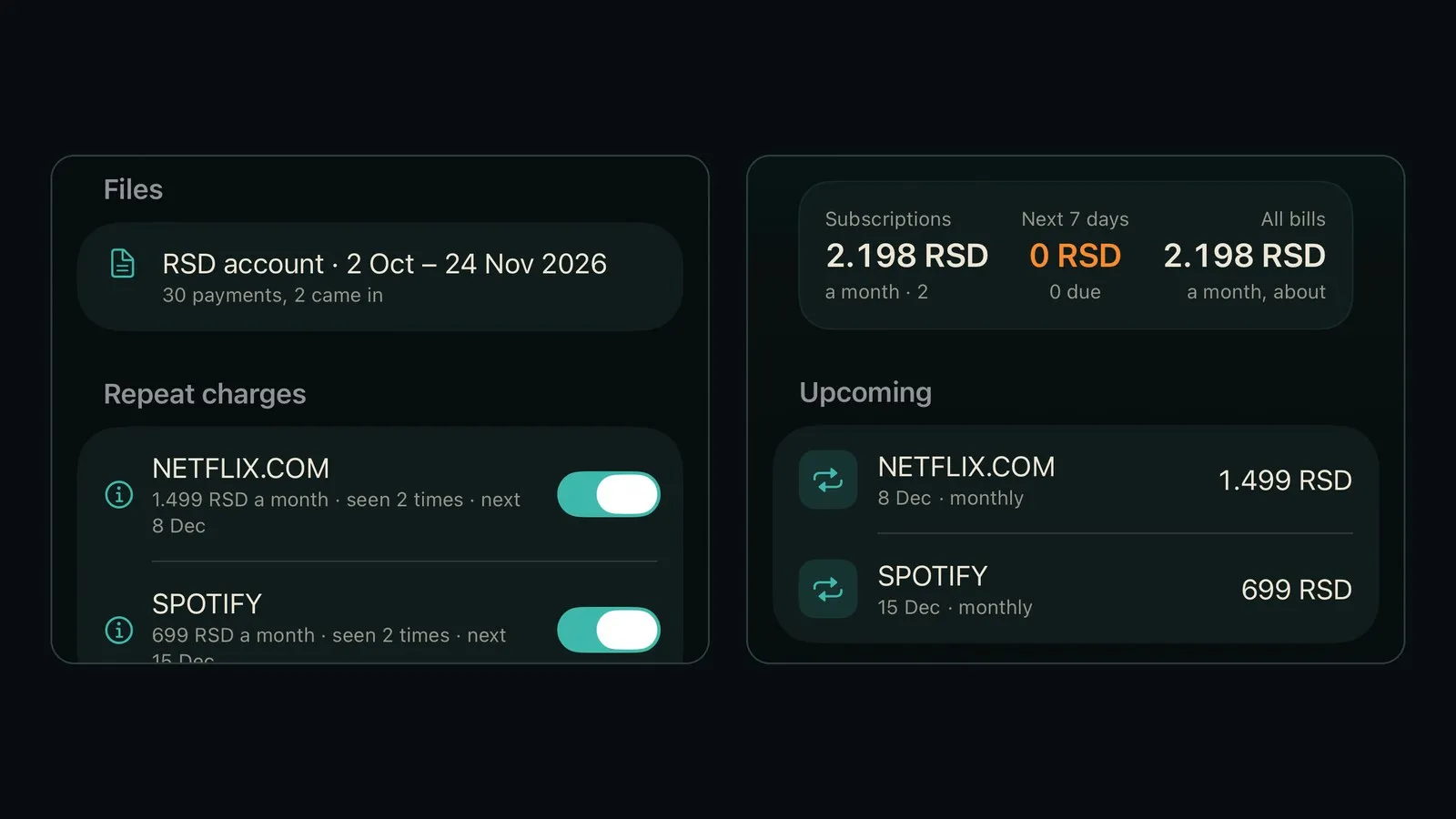
- Bank statements read on the phoneThe bank’s PDF statements are read on the iPhone itself, with no upload and no AI. Only the date, shop and amount are kept, never account or card numbers, balances, a name or an address. Payments already logged aren’t counted twice, and repeating charges are offered as bills.
- Bills paid by QR codeA bill can be read from the QR code on the paper bill. Pay makes the NBS IPS QR code, copies the reference number and opens the bank app, so the payment fills itself in.
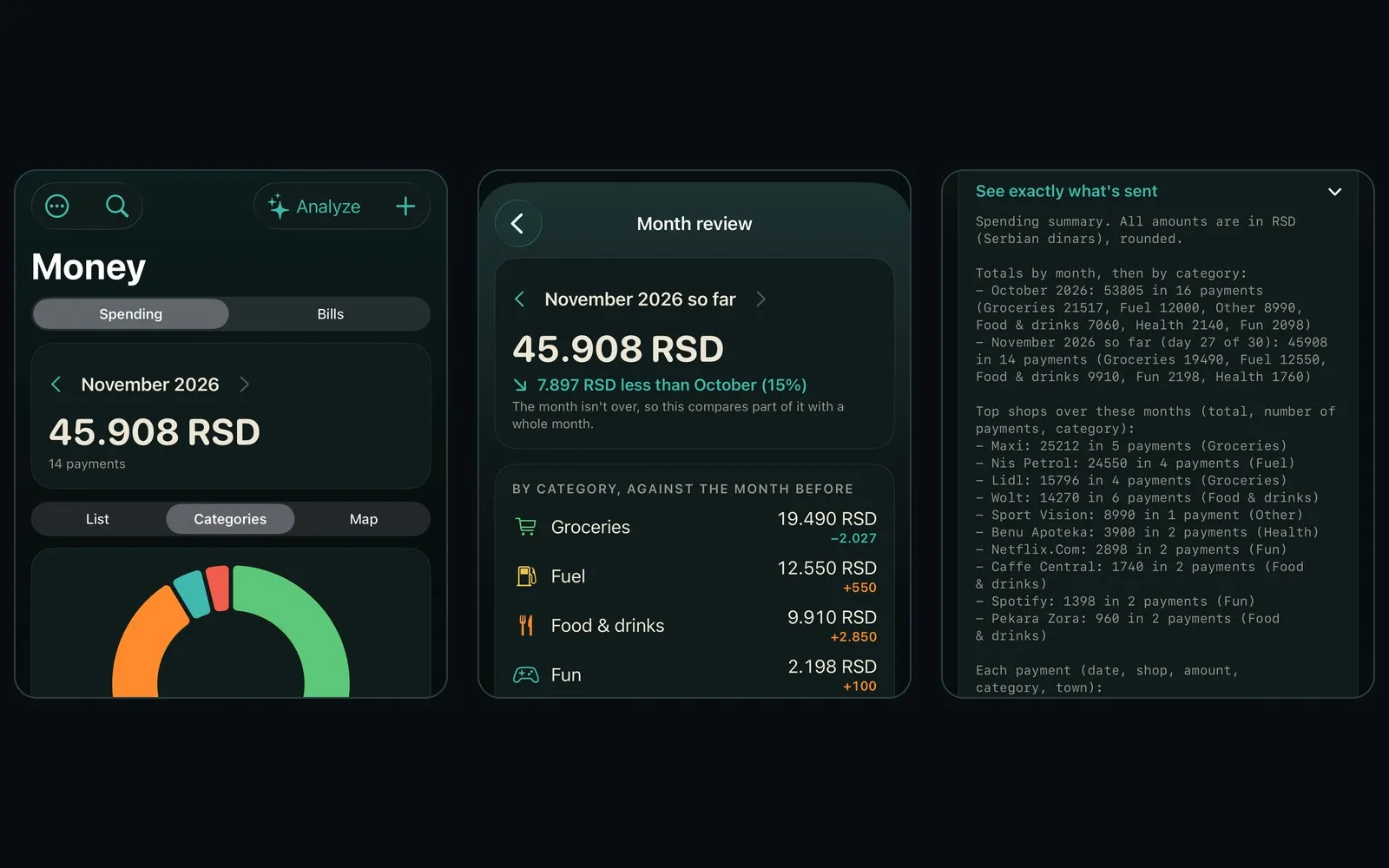
- A monthly reviewThe total and each category against the month before, the biggest payments, what subscriptions cost in a year and which prices went up, plus a monthly budget with what’s safe to spend today.
- AI that suggests where to cutAnalyze builds a summary on the phone and shows exactly what will be sent before anything goes. The AI comes back with concrete suggestions, each with a monthly saving. Income, account numbers and the names on bank transfers are never sent.
- Private by defaultFace ID can hide the amounts in the app, the widgets and notifications, and the weekly backup is encrypted.
What changed
Payments end up in one list without typing, bills are paid from a QR code instead of copied by hand, and each month ends with a review of where the money went. The AI only sees a summary, and only when asked.