
The situation
Tickets and payments went through staff at a desk.
2024: the first step, a cash kiosk
- A payment slip from the front deskStaff print a slip with a barcode for the amount due.
- Paying at the kioskThe customer scans the slip, or types in the amount, and pays with notes and coins. The cash recycler gives change.
- Short of changeIf the machine runs low, it tells the customer, and staff pay out the rest.
- Refills and collectionsStaff refill and empty notes and coins at the machine and can see how many of each it holds.
- Working through outagesEvery sale is logged on the machine and sent to the back office later, so the kiosk keeps working when the connection drops.
- A back officeListing the machines, which staff work on each one, and every transaction.
2025–2026: ticket kiosks
- Android tablets locked to one full-screen kiosk appEach activated with its own code.
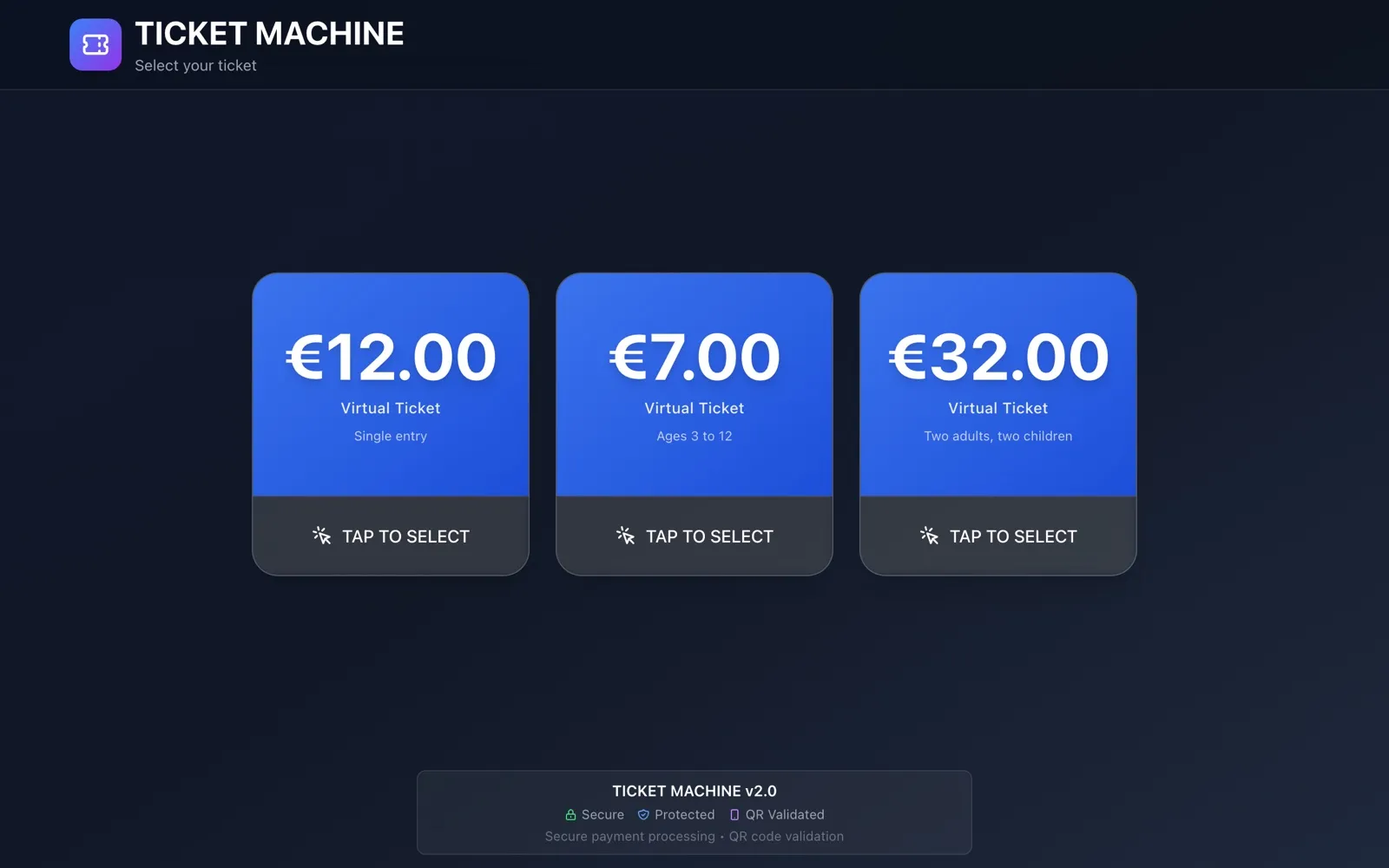
- Buying a ticketThe customer picks a ticket type, can leave an email address, and pays by Payconiq QR or by tapping a card or phone through Viva Wallet.
- The ticketThe kiosk shows a receipt with the ticket’s QR code and can print it. If the customer left an email address, the ticket goes there too. Each ticket is valid once, and its QR code opens the ticket’s own page.
- Checking tickets at the entranceStaff use a web app on their phone to scan or type in a ticket, check it and mark it as used.
- An admin dashboardWith every transaction and ticket, searchable and filtered by status, plus ticket types with their price and fee, kiosks and users.
- Settings per kioskWhich payment method it uses, test mode for checking a new machine, and whether to ask for an email address.
What changed
Customers buy and pay for their tickets at the kiosk on their own. Staff check tickets at the entrance with a phone, and the office sees every transaction and ticket in one dashboard.